 Max Simon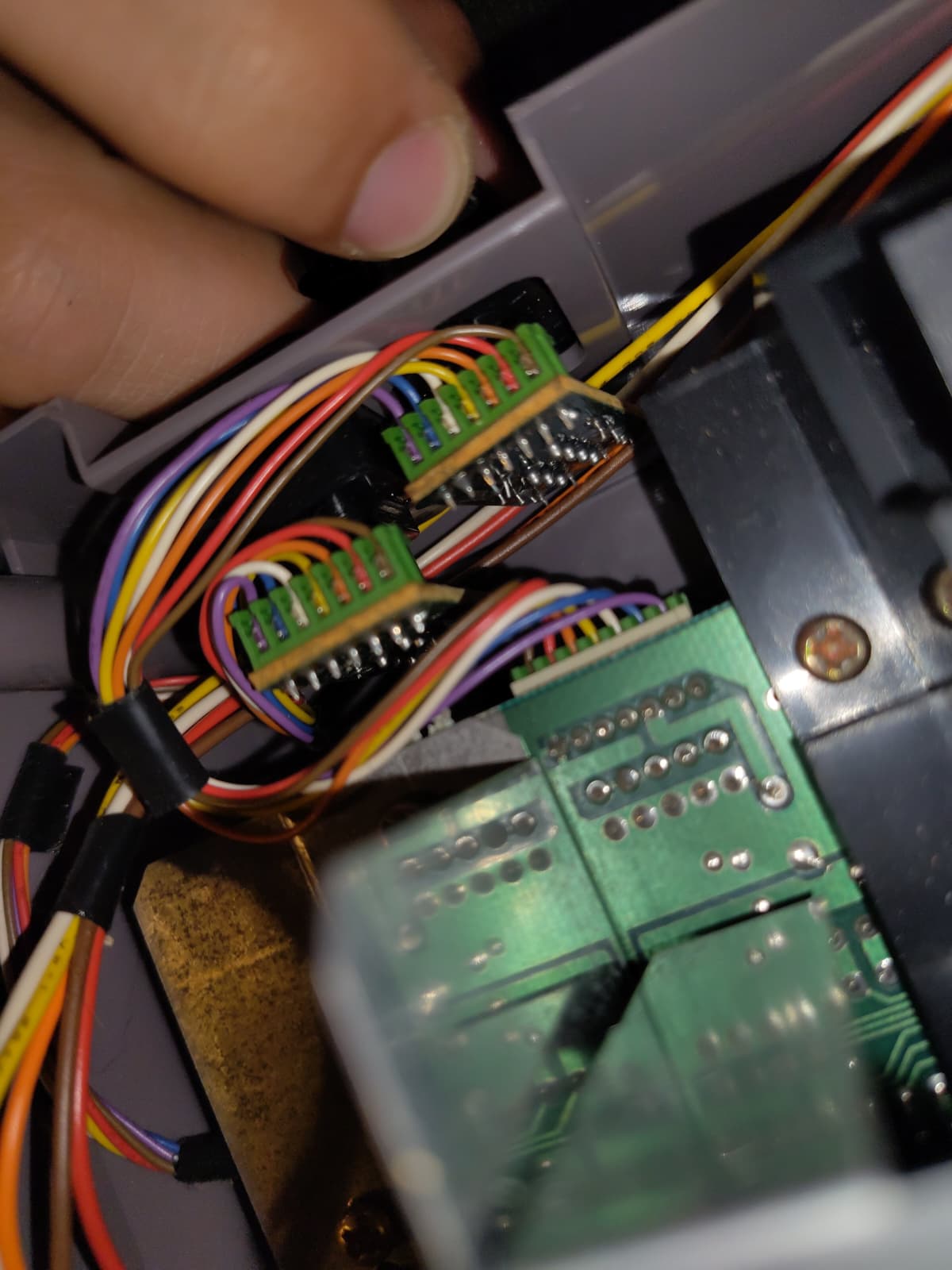
Hobby
Bringing old electronics back to life at home: a NES, a Walkman and a record player.
I like taking old electronics apart and figuring out why they stopped working. It's the same troubleshooting I use in IT: find the symptom, narrow it down, fix the cause.
Nintendo Entertainment System
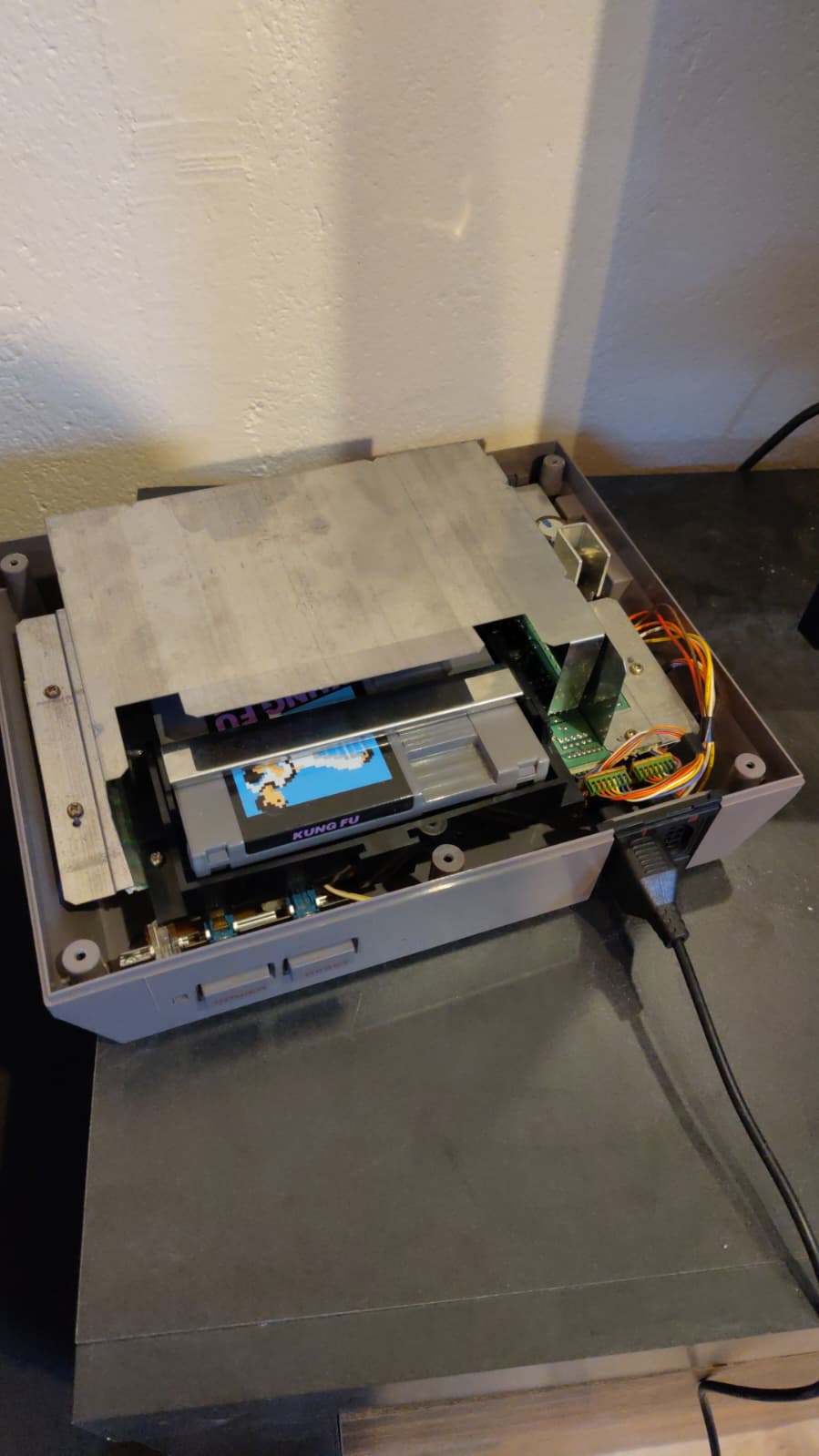
Problem: The screen kept blinking, there was no picture, and the controllers weren't recognised.
Fix: I opened the console and cleaned the contacts, including the cartridge slot (the 72-pin connector), which is a classic cause of the blinking. The picture works again.
Still open: The controllers still aren't recognised. That's my next step.
Walkman
Problem: The Walkman didn't play anymore.
Fix: Inside, the drive belt was worn out. I replaced it with a new one and now the tape runs again.
Record player
Problem: The record player didn't work properly.
Fix: The wiring was the issue. I resoldered the connections and it plays cleanly again.
What I learned
- Old hardware often fails for simple mechanical reasons: dirty contacts, worn belts, bad solder joints
- Check the easy things first before replacing parts
- Soldering cleanly takes practice
Photos